
All your carriers,
one shipment form.
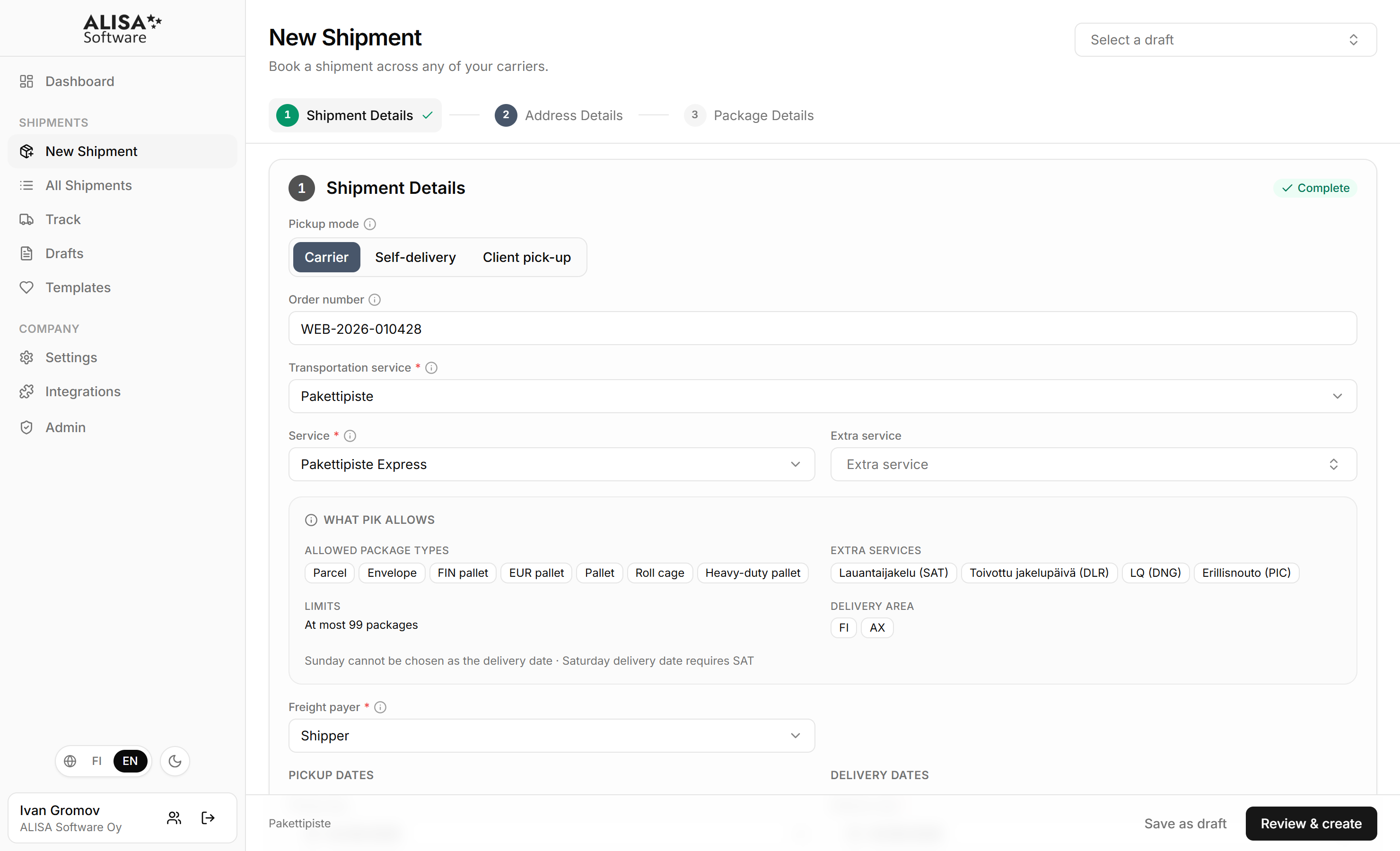
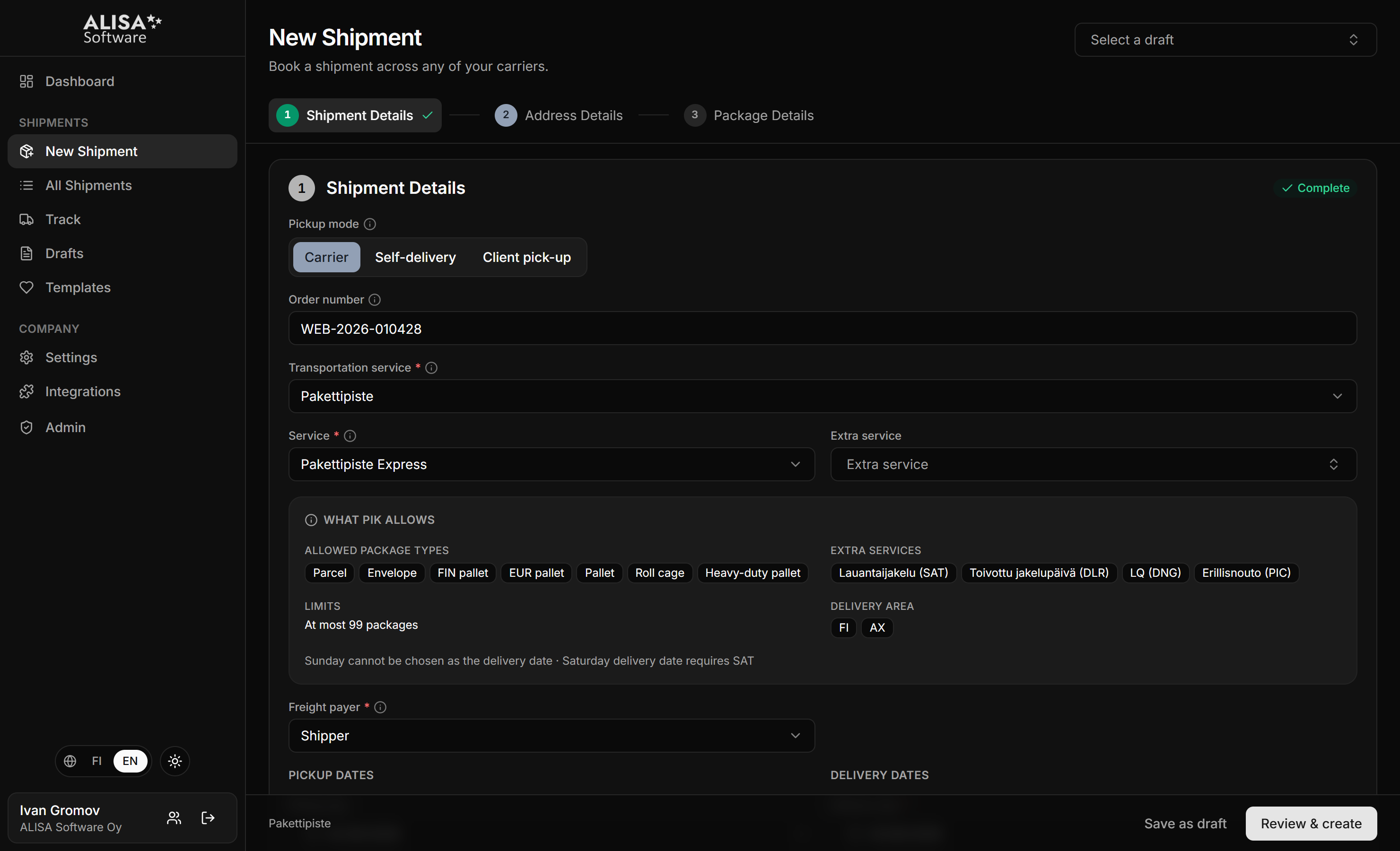
Multi-carrier shipping software for e‑commerce and logistics companies. Book parcels and freight with the carriers you already use, print labels and track every shipment in one place.
Works with
- PostiParcels and freight
- MatkahuoltoParcels
- PostNordParcels
- GLS FinlandParcels
- DHL ExpressParcels
- DHL FreightFreight
- SchenkerFreight
- KaukokiitoFreight
- PakettipisteParcels
- Pohjola LogisticsFreight
- Storemen LogisticsFreight
- and more
The product
Connecting your orders to your carriers
Bring orders in from your web shop, your own system or the shipment form. ALISA validates the details, assigns package codes, creates labels and waybills, and sends each booking to the right carrier. Track every shipment in the portal.
Why ALISA
Every carrier has a portal. You should not need all of them.
Each carrier has its own portal, its own label and its own way of describing a shipment. ALISA Software shipping platform brings it all into one workflow.
Entering the same details again?
- Problem
- Every carrier portal asks for the same sender, receiver and package details, in its own fields and its own order.
- With ALISA
- Details are saved once. Receivers, senders and whole shipments come back with one click.
Different labels for every carrier?
- Problem
- Every carrier has its own label size and layout, and the printer is usually set up for another one.
- With ALISA
- ALISA prints every carrier’s label and waybill from the same shipment, in the size that carrier expects.
Switching sites to track shipments?
- Problem
- Tracking lives on each carrier’s site, each with its own words for the same status.
- With ALISA
- Every shipment shows one set of statuses, from created to delivered, on every screen.
Missing details at pickup?
- Problem
- A missing dangerous goods field or an oversized package is usually noticed at pickup, by the driver.
- With ALISA
- ALISA checks addresses, packages and dangerous goods against each carrier’s rules before anything is sent.
The right label for every carrier.
ALISA prints the label each carrier expects, in the size your printer uses. Choose a carrier and a size to see how the same shipment comes out.
- Carrier’s own form
- Boxed fields
- Service number box
A simplified drawing, not the printed label.
How teams use ALISA Software Portal
Everyone works on the same shipment. Find your role below.
- Book, print and hand over. Package codes and labels are ready the moment the shipment is saved.
- Answer where it is without opening a carrier site. Track by shipment number or order number.
- One company, many users. Invite the team and keep every member on the same company data.
- Orders flow in from the shop plugin or the API and come out as shipments, with the label attached.
- Pallets, roll cages and dangerous goods go through the same form. The waybill and the ADR line come out with the label.
- 1/2373500000000000123
- 2/2373500000000000130
Less manual work. More control.
Most shippers run on a mix of carrier portals, spreadsheets and email.
| Feature | Carrier portalsOne per carrier | Spreadsheet and emailHomegrown | ALISA Software PortalOne shipping platform |
|---|---|---|---|
| Carriers | One each | Whatever the sheet holds | 20+ in one form |
| Addresses | Re-typed per portal | Copied by hand | Saved once, filled in a click |
| Labels | That carrier’s only | Printed elsewhere | Every carrier, right size |
| Tracking | On each site | By phone | One status, every shipment |
| Dangerous goods | Own rules per site | Not checked | Checked before dispatch |
| Team | One shared login | Shared file | Own logins, one company |
Getting started
From first contact to first shipment
There is nothing to install and nothing to migrate. A conversation, an active company and your carrier agreements are the whole setup.
- 1
Get in touch
Book a short demo, or write to us.
- 2
We activate your company
A person checks the company's business ID before it is activated.
- 3
Add carrier agreements
Your customer numbers with the carriers you use.
- 4
Ship
Book your first shipment. The label and tracking are ready as soon as it is saved.
Your own agreements
You keep your carrier contracts and prices. ALISA books with the customer numbers you already have.
Nothing to install
A browser and a login. No IT project, no data migration, no printer settings to change.
Test mode
Any shipment can be booked as a test: saved and labelled, but not sent to the carrier.
A person on the other end
A person activates your company, helps with the carrier setup and answers at support@alisasoftware.fi.